

CyberInsurance.com Verify gives you a permanent, shareable profile that proves you’re a real person. Employers open your link and confirm you’re verified in seconds — no extra forms or back-and-forth.
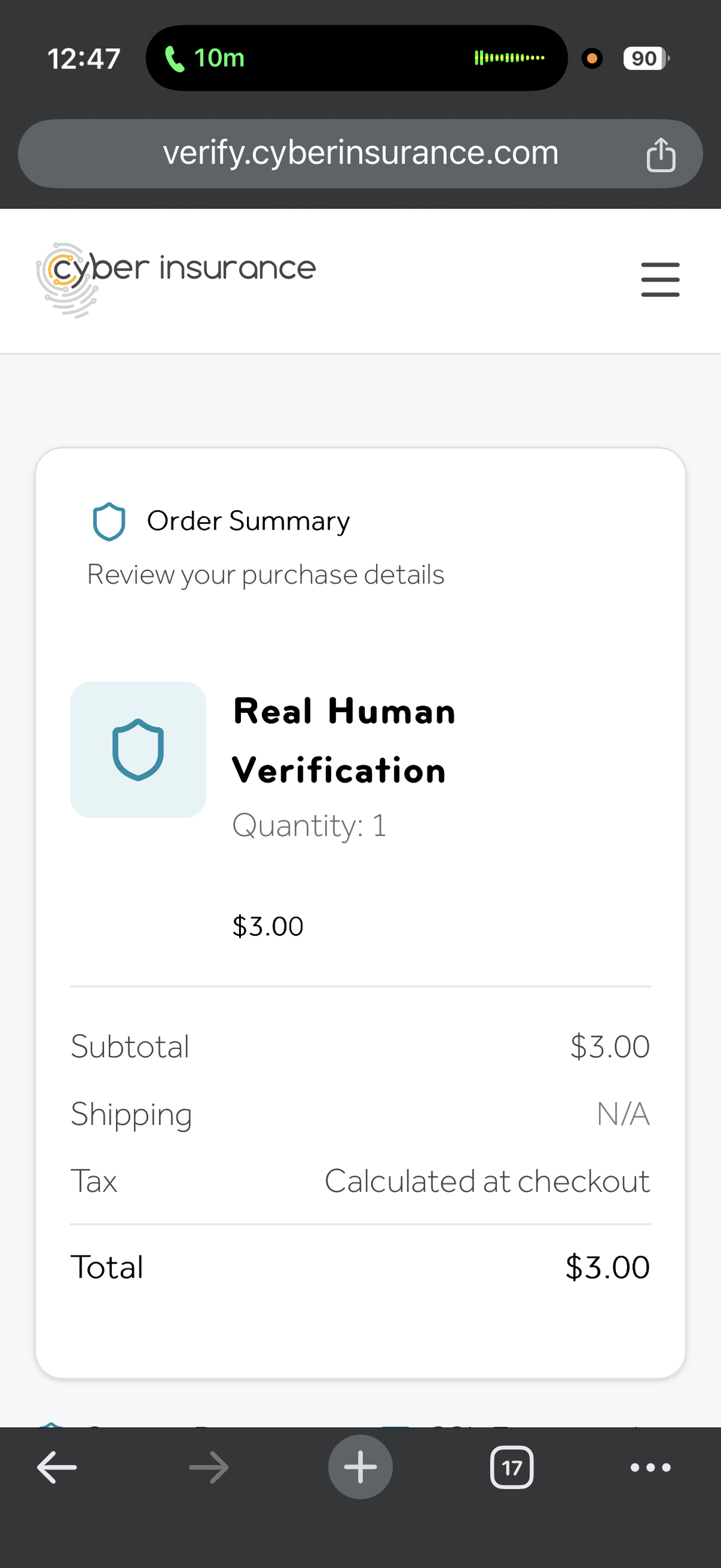
First Step Is Payment
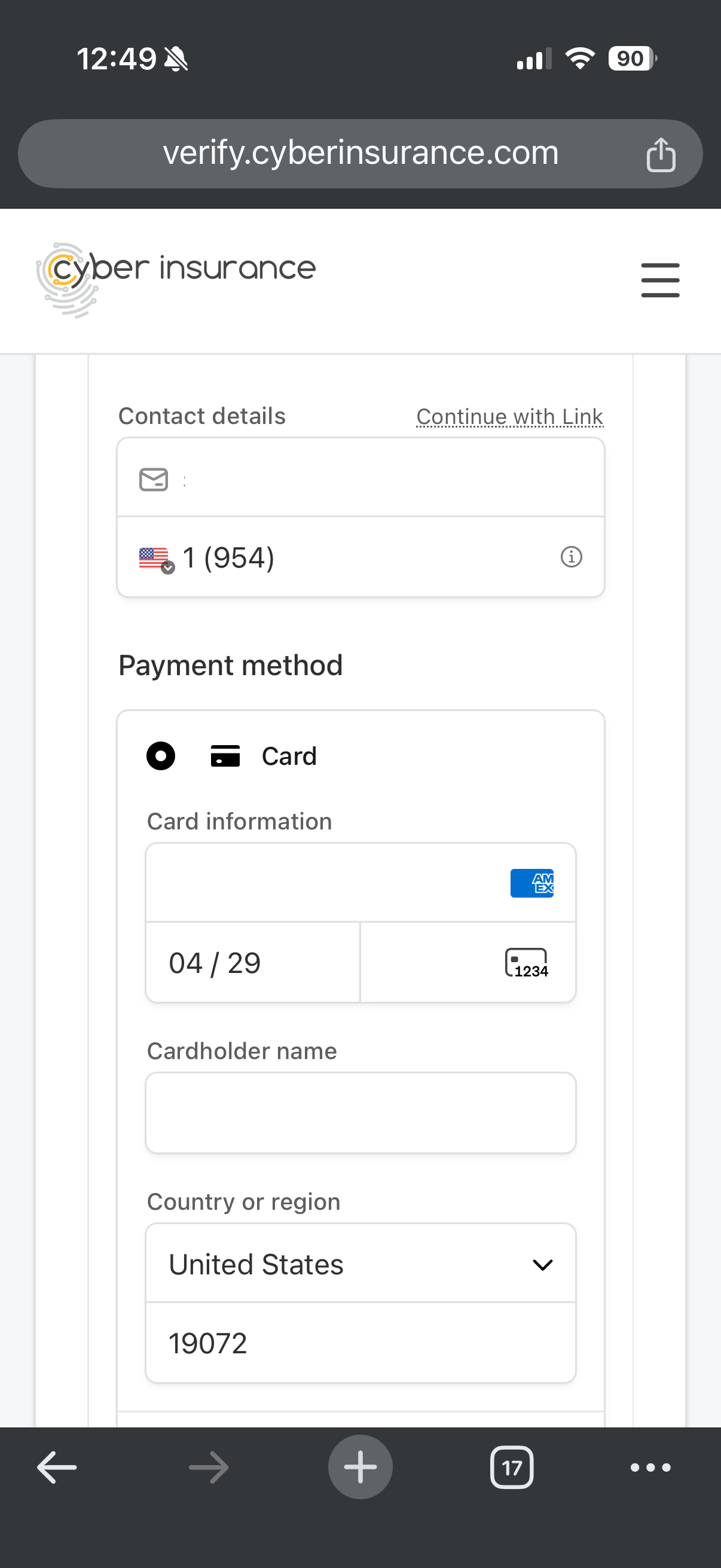
You pay a one-time $3 fee. Enter your billing information and continue to the next step.
Two Factor Authentication of Email & Mobile Phone
Next you connect your email and mobile number to your account. This step uses two factor authentication. You are sent confirmation codes to your email and your mobile phone number. The same email and phone from checkout are used so your verified profile stays tied to your payment.
Government ID & Selfie Proving You're Actually You
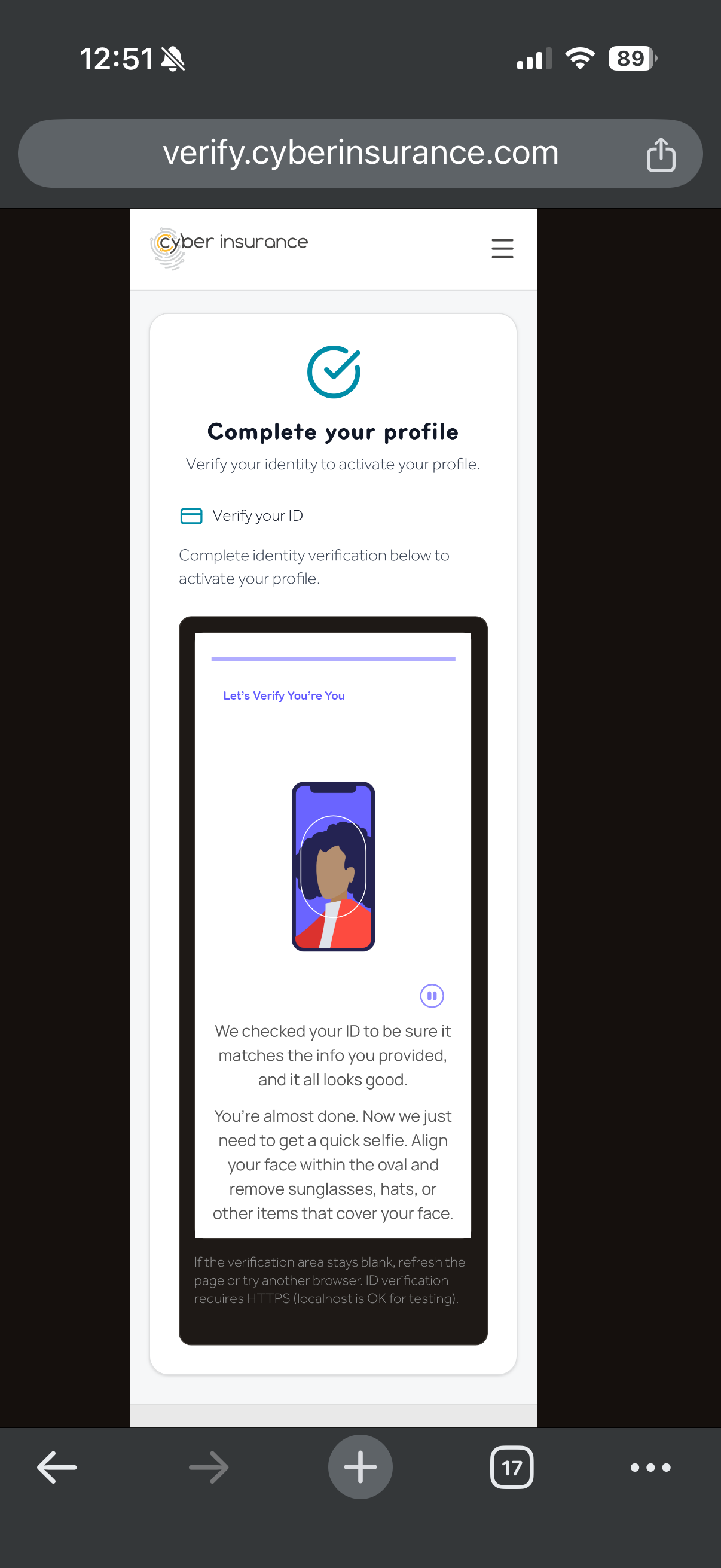
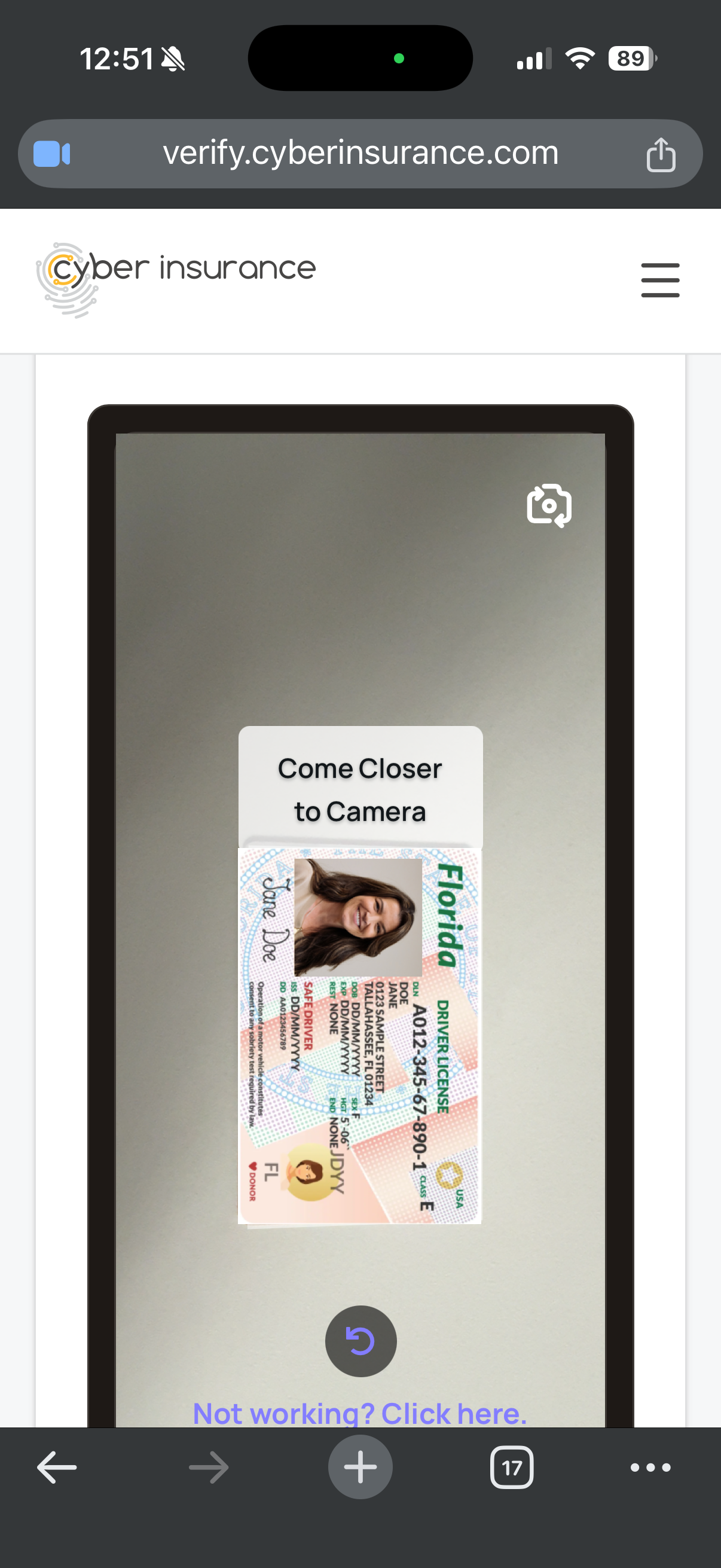
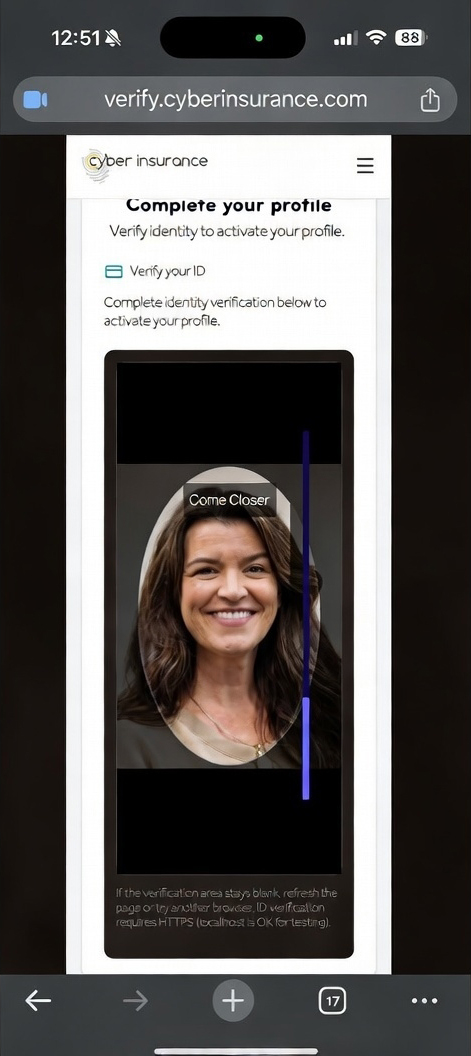
Complete the government-issued ID check through our encrypted secure system. You'll capture your ID and a selfie. Please note that CyberInsurance.com discards this ID scan and selfie within 24 hours or less. Our organization does this because there is no legitimate reason for us to retain it once your identity has been validated. By discarding these images it makes us a pointless target for hackers.
Pick your profile link
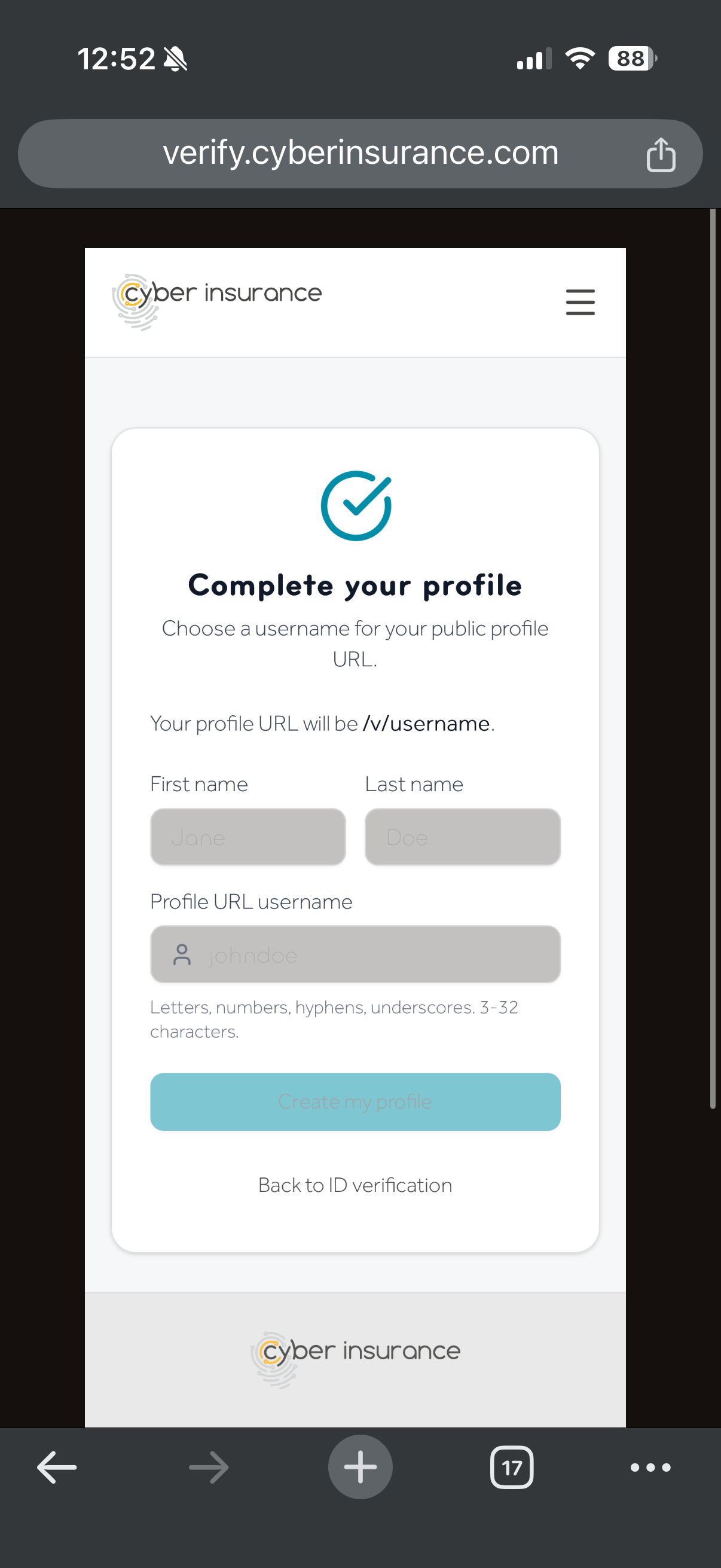
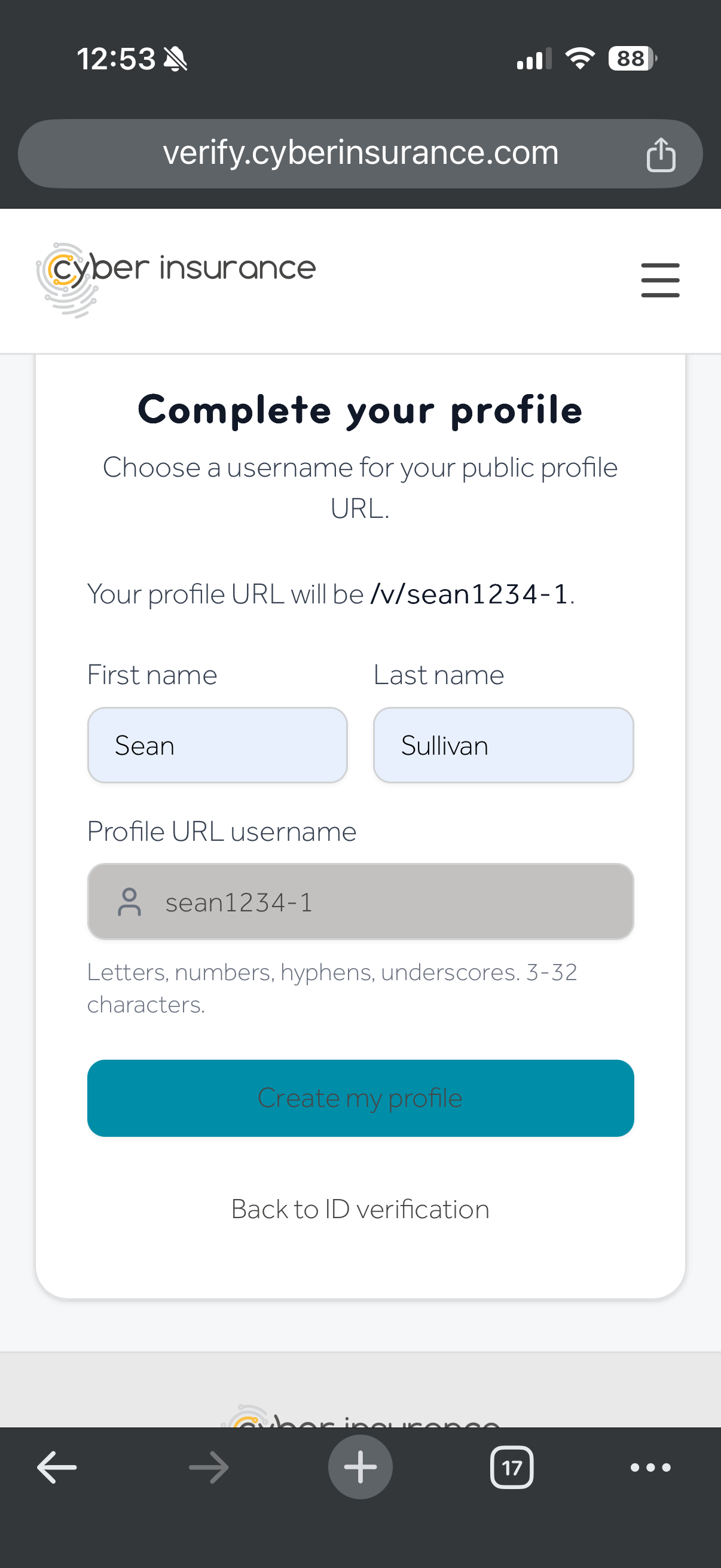
Enter your first and last name and choose a unique username (e.g. jane-doe). That becomes your permanent verified profile URL: /v/your-username. Share it on job applications, resumes, or anywhere you want to prove you're a verified human, and actually you.
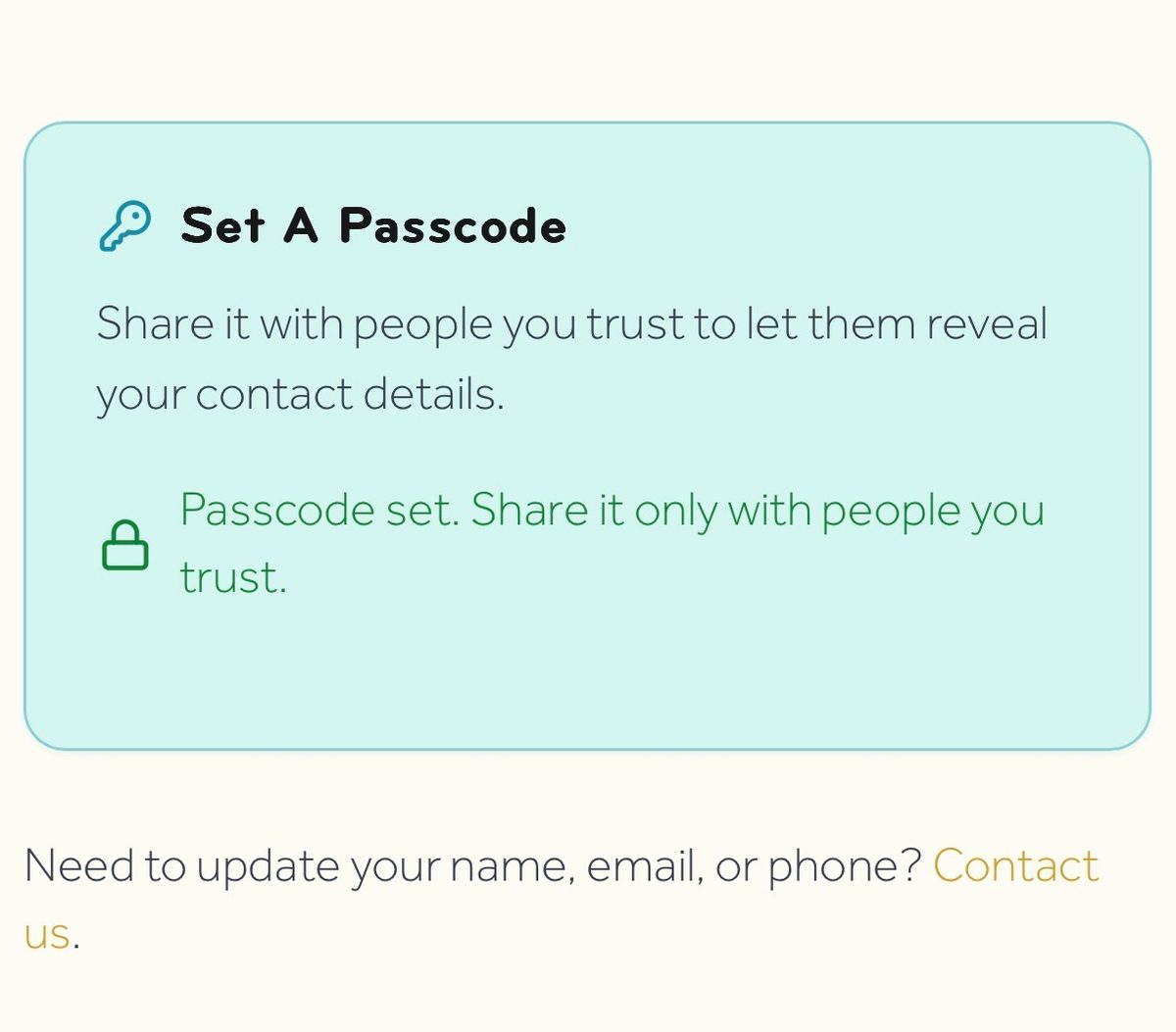
Set Your Profile Passcode
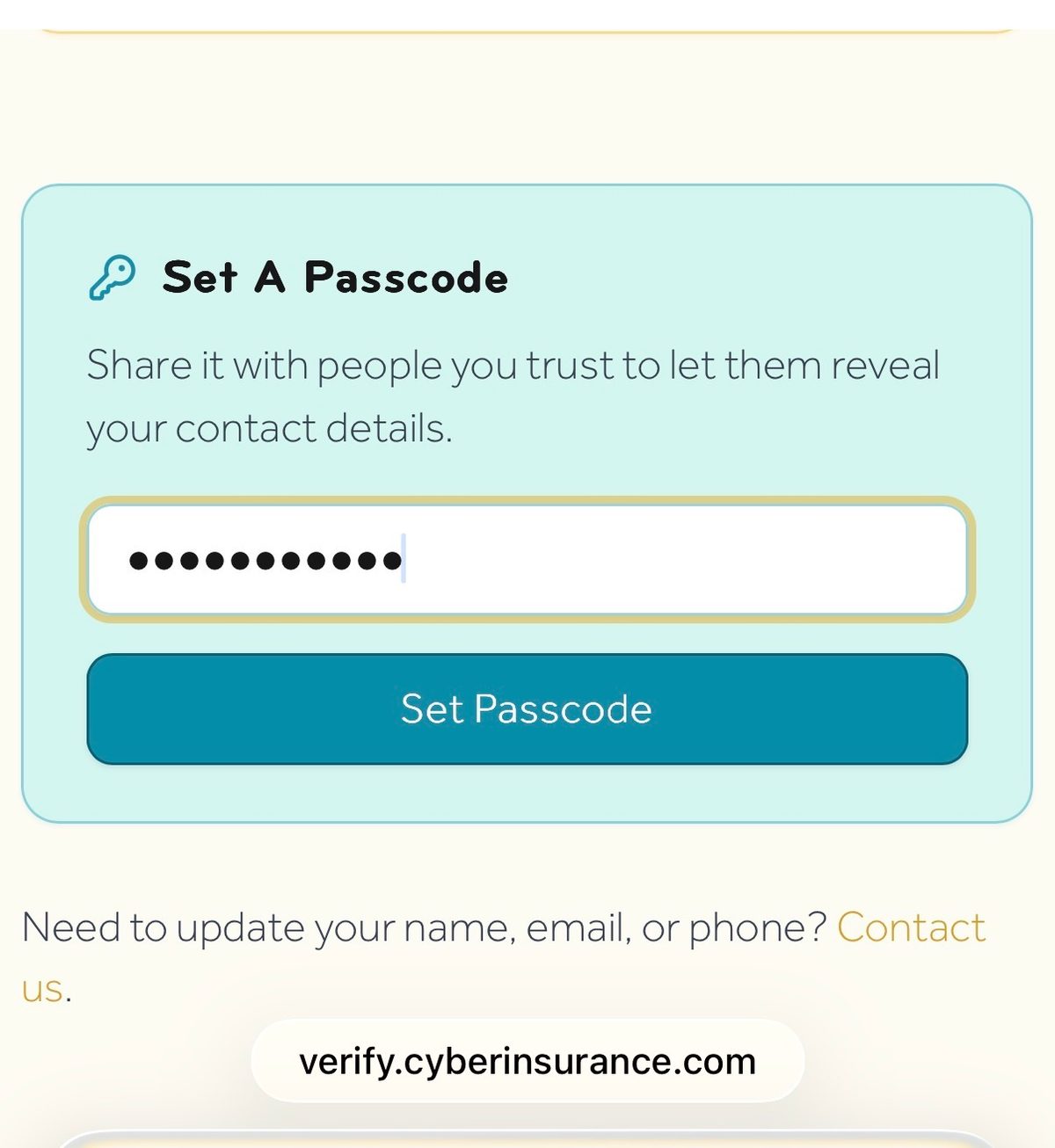
Set a passcode on your profile so that only people you share it with can unlock your contact details — full name, email and phone.
You're Officially A Verified Human & Actually You
Your profile is live. Employers or anyone that needs to validate that you, your email or your phone number is actually you can now do so. Simply provide your user profile link. Your personal details (name, email and phone) stay private unless you provide a passcode to reveal those details.